What you get
| File | Intent | Key sliders |
|---|---|---|
window-daylight.xmp |
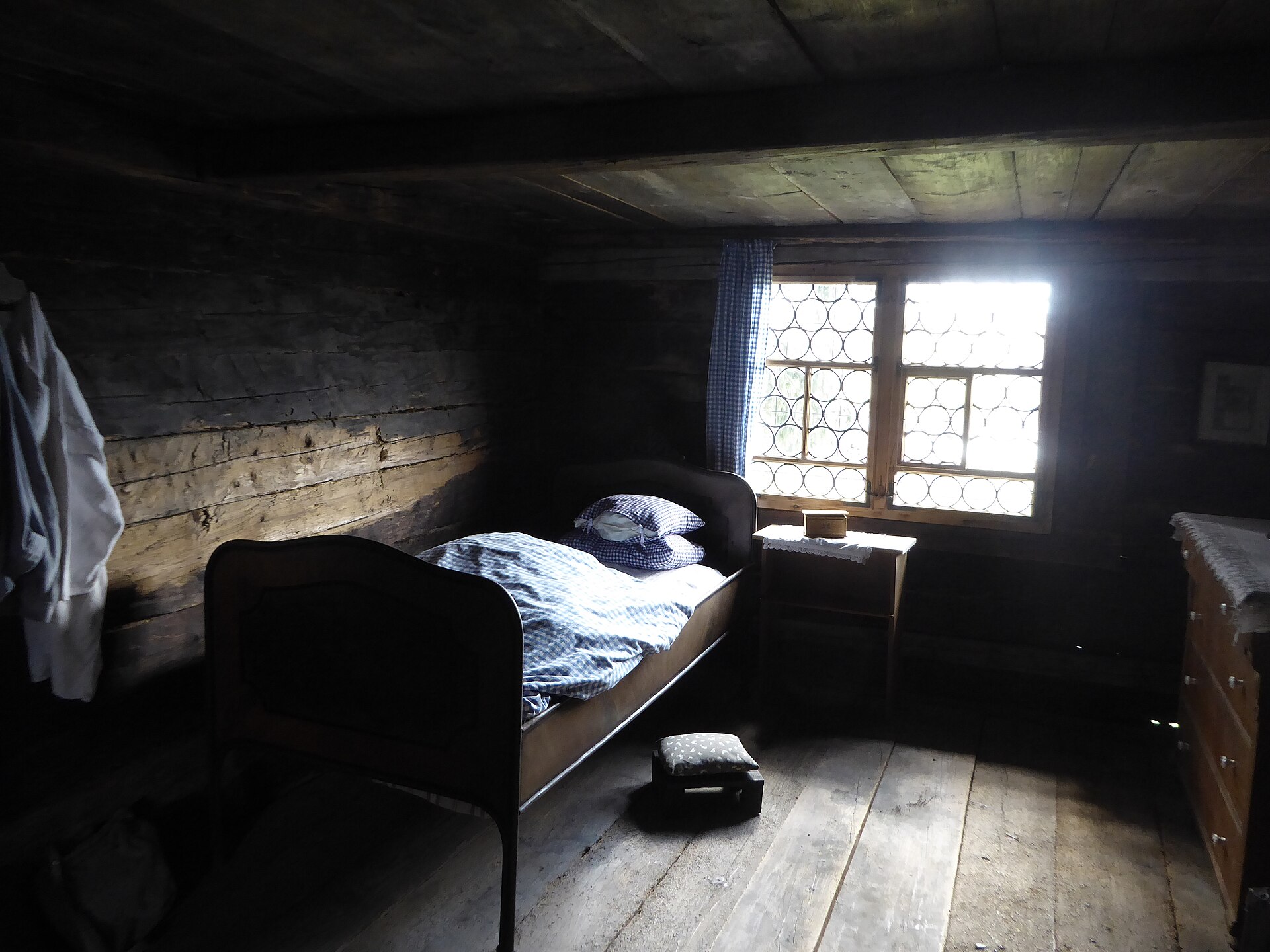
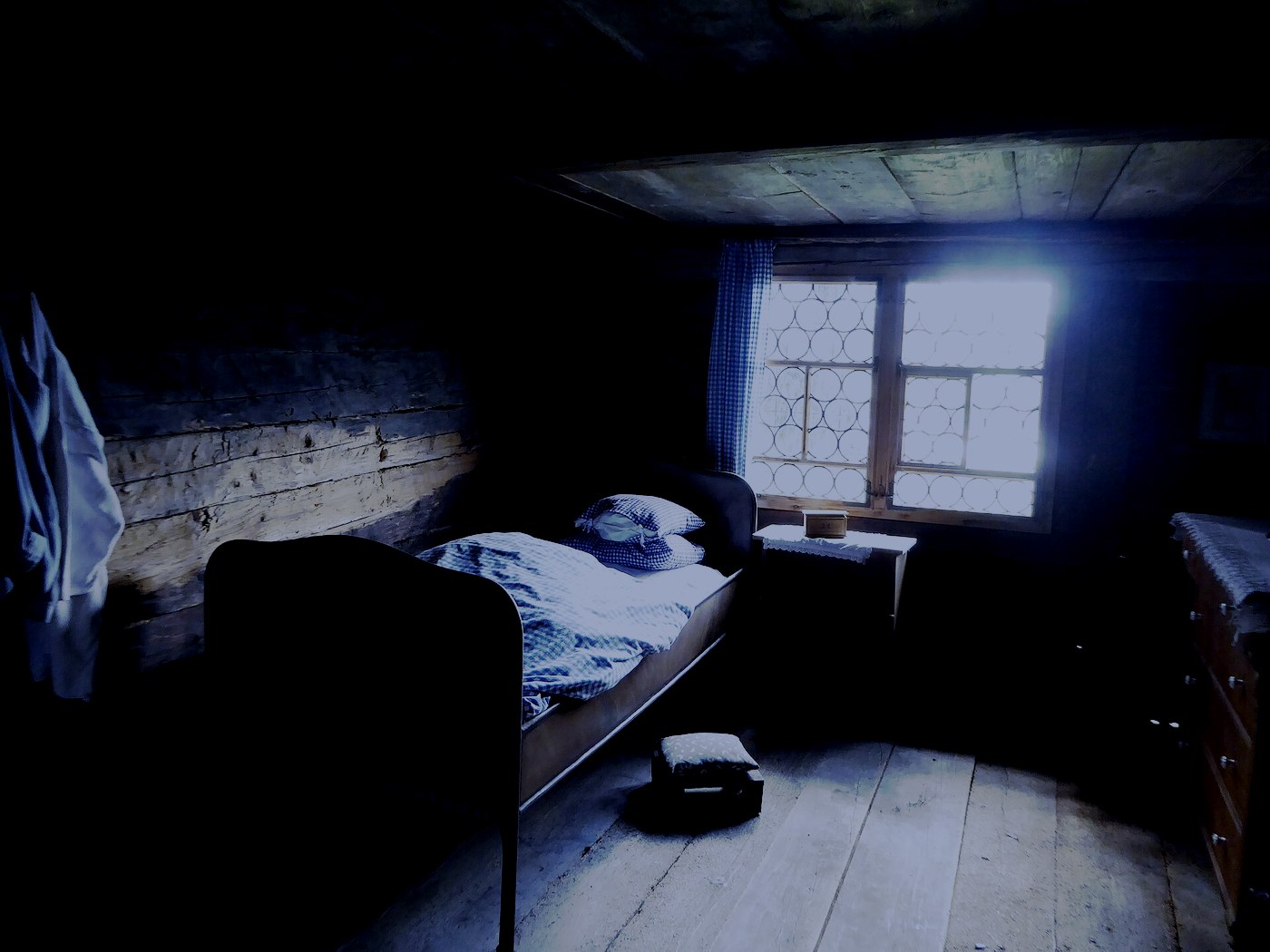
Cooler daylight through a window | Temp 4650 · Highlights −42 · Contrast +18 |
tungsten-mix.xmp |
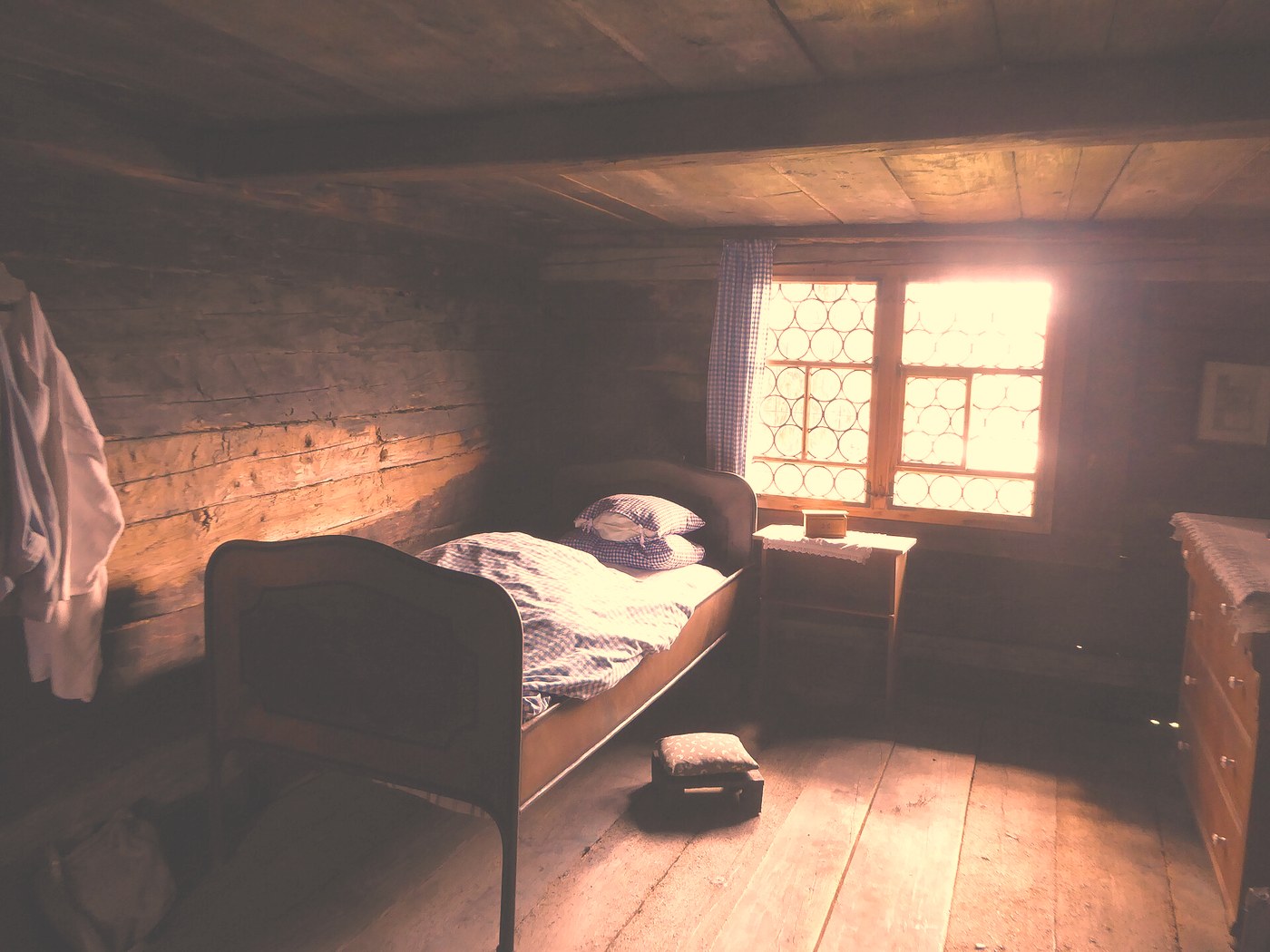
Warmer mixed tungsten + window | Temp 7200 · Tint +16 · Shadows +38 |
high-iso-cleanup.xmp |
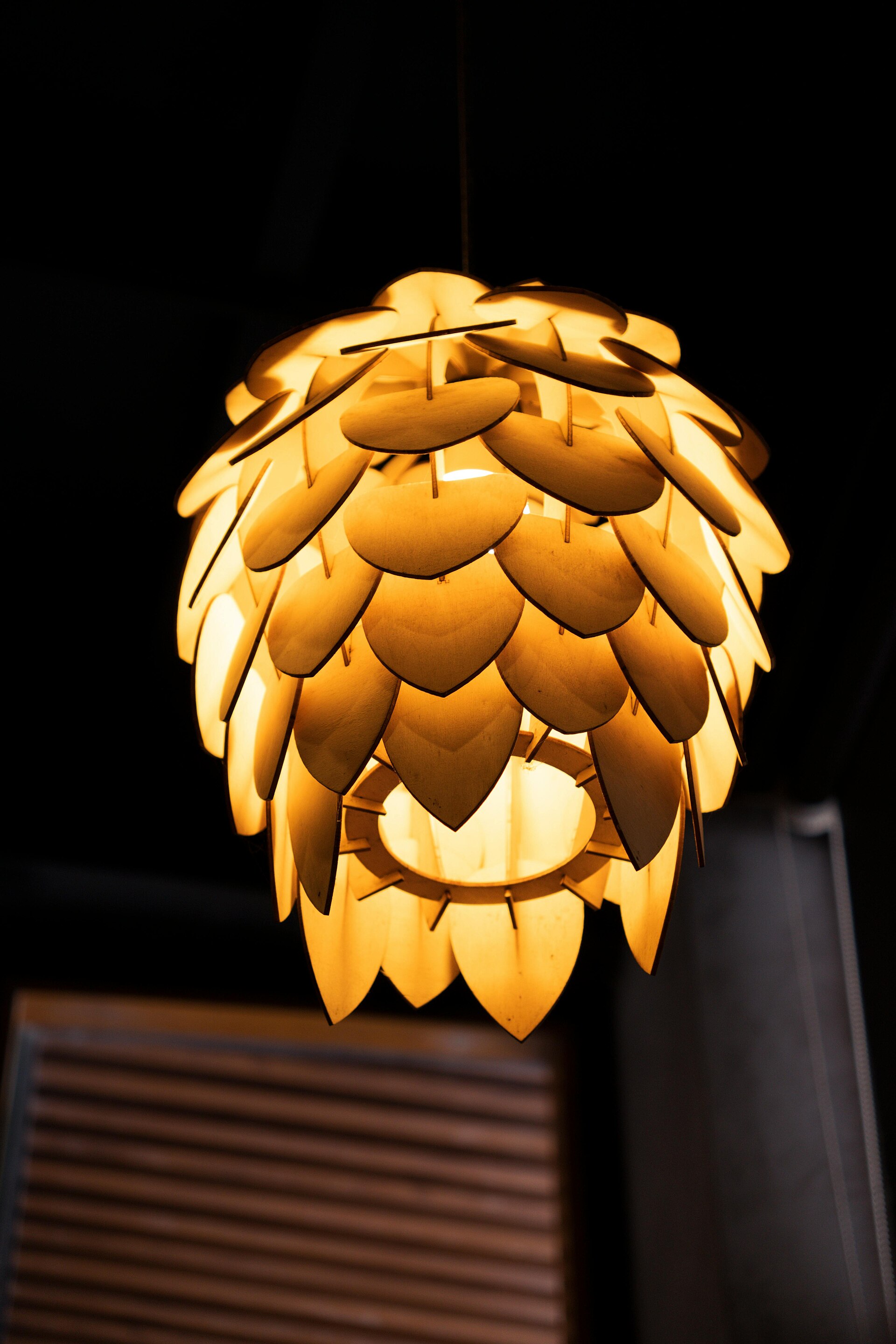
Luminance smoothing, lifted blacks | LuminanceSmoothing 45 · Blacks +15 · Contrast +12 |
These are sidecars, not Develop profiles. Rename a copy to match your photo (kitchen.jpg + kitchen.xmp). Lightroom Classic reads it on import or via Metadata → Read Metadata from Files. Camera Raw does the same when the names match. Do not drop them into the Profile browser and expect a new look to appear.
Window daylight
Lower Temperature toward blue, modest contrast, highlights held so the window does not cook out. Test frame: a historic room lit by a bull’s-eye window.
Tungsten mix
Higher Temperature, magenta Tint, shadows lifted. Same interior, treated as mixed lamp-plus-window instead of cool daylight.
High-ISO cleanup
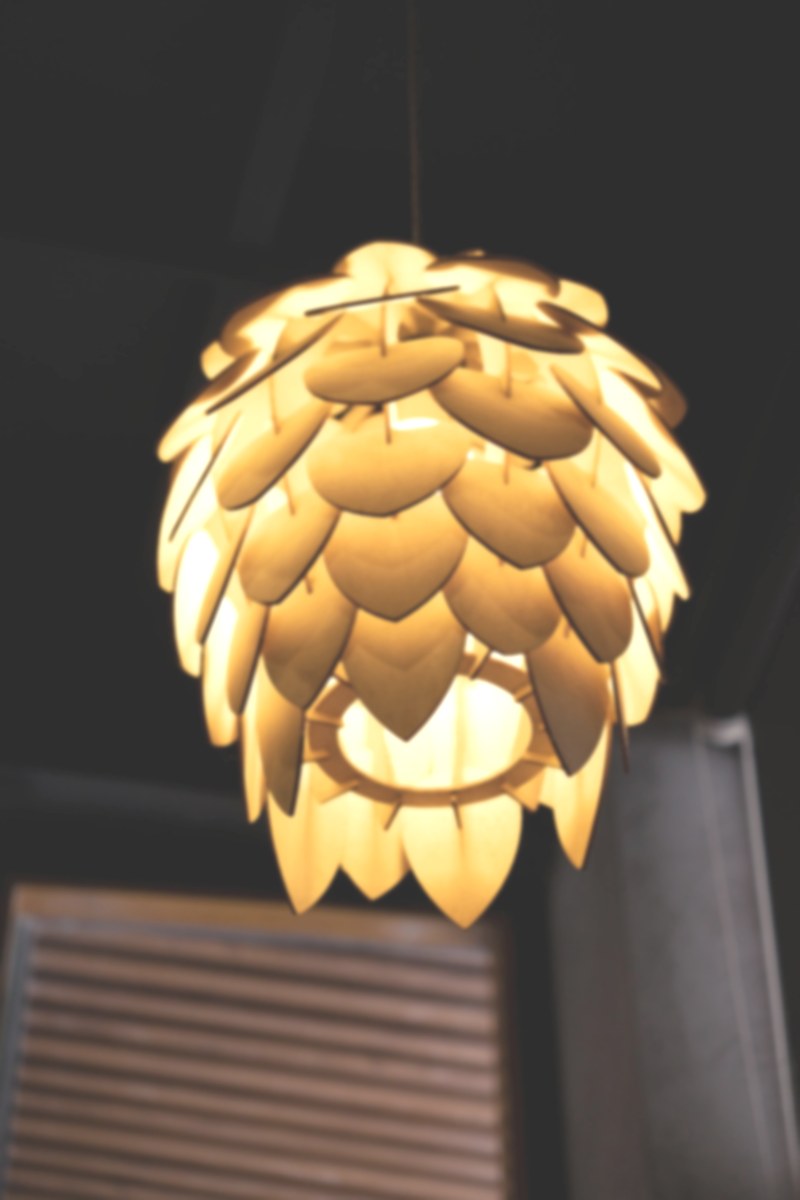
Luminance smoothing via documented crs: tags, blacks and shadows up, a little contrast. Test frame: a lamp in a dark room.
How to apply
- Unzip. Pick one
.xmp. - Copy it beside your photo and give it the same base name.
- Open in Camera Raw, or import / read metadata in Lightroom Classic.
- Copy those Develop settings onto other frames if the first one reads cleanly.
A sidecar on a baked JPEG will shift white balance and tone. A RAW will take the same sliders further. Slider tables and SHA-256 hashes are in the README inside the zip.
How this file was made
This download was drafted with AI tools and then checked before release. It is original work from this shop. It is not a copy of another seller’s listing or file.
Test photographs
Both stills are Wikimedia Commons files under CC0 1.0. Fetch date 2026-08-31. Authors: Plutowiki (window interior), Bekiga580 (lamp). Full URLs and deeds are in SOURCES.md in the zip. After frames on this page are Python simulations, not Lightroom renders.